Practice amp vs audio interface
Two ways to spend the same money on playing at home, solving different problems that get described with the same words.
Fret & Fuzz earns a commission when you buy through the links on this page. It costs you nothing and it does not decide what we rank. How we’re funded.
We have not played this gear. Every pick below is chosen from published manufacturer specifications and the arithmetic set out in how we research, which you can re-run yourself.
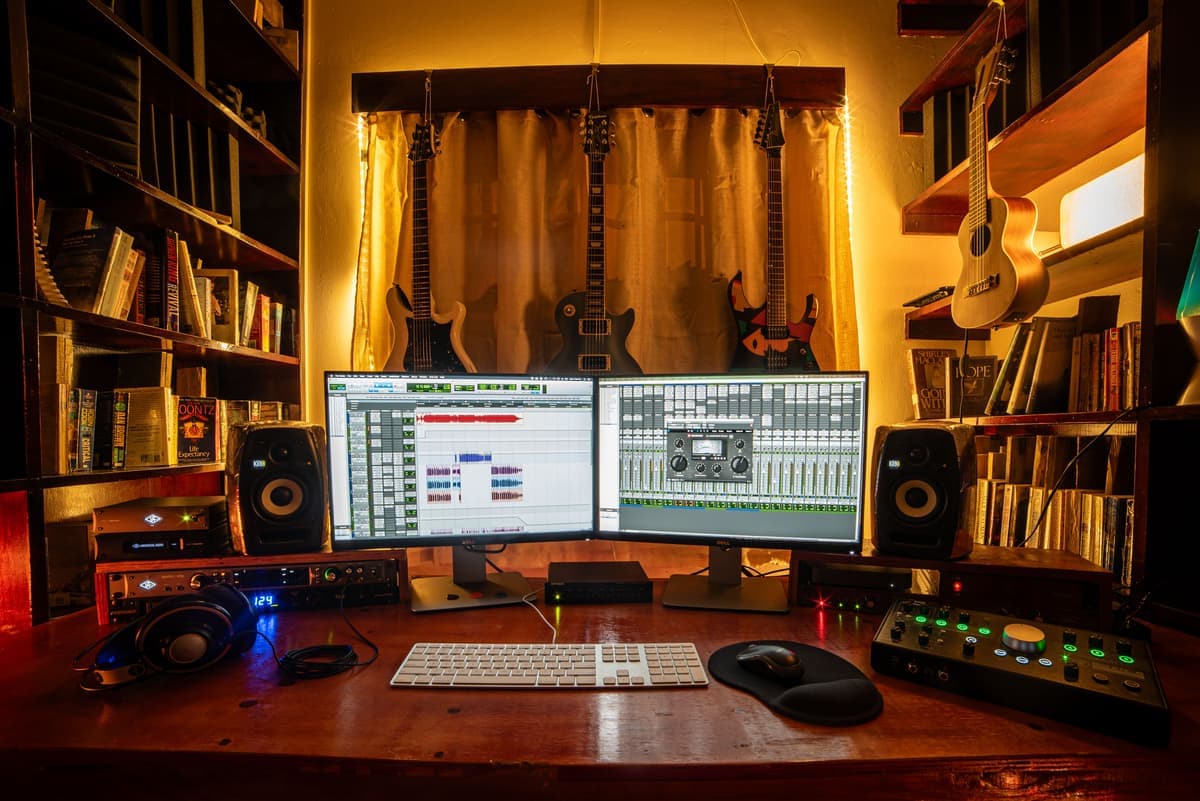
They solve different problems. A practice amp puts sound in the room, needs no computer, and cannot get a signal into a DAW unless it publishes USB audio. An interface route puts sound in headphones, needs a computer running, and records natively. If you want both, buy one box that publishes both — a modeling amp with USB audio, or a hardware modeler with a USB interface and a pair of headphones.
The reason this question is hard is that both routes get sold with the same phrase — practicing at home — while doing genuinely different things.
01What each one actually is
A practice amp is a preamp, a power amp and a speaker in one box. Plug in, turn on, play. It makes sound in the room, it works with no computer, and it is what a guitar sounds like to everyone else present.
The interface route is a converter that turns your guitar signal into data, plus something that supplies the amp sound — software on the computer, or hardware like the HX Stomp. It produces no sound in the room at all. Everything comes out of headphones or monitors, and it needs a computer switched on and configured before it is a musical instrument.
| Practice amp | Interface route | |
|---|---|---|
| Sound in the room | Yes — that is the point | No, unless you add monitors |
| Needs a computer | No | Usually yes |
| Time from decision to first note | Seconds | As long as your computer takes to boot |
| Recording | Only if it publishes USB audio | Native — that is the point |
| Silent playing | Headphone out, if it has one | Always silent by default |
| Playing along to backing tracks | Aux in or Bluetooth, if published | Trivial — everything is in the same software |
| Portable to a rehearsal | Yes | Only if the modeling is in hardware |
| Sounds like a guitar amp to someone in the room | Yes | Not applicable |
Which route to take
| # | Product | Best for | Price |
|---|---|---|---|
| 01 | 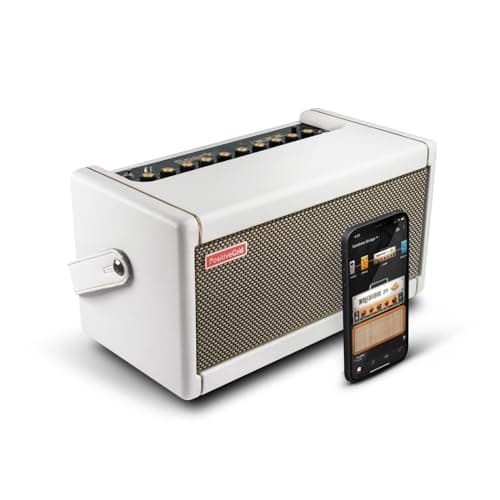 Positive Grid Spark 40 A 40 W practice amp that is also a USB recording interface, with Bluetooth audio on top. | Wanting both, in one box | |
| 02 | 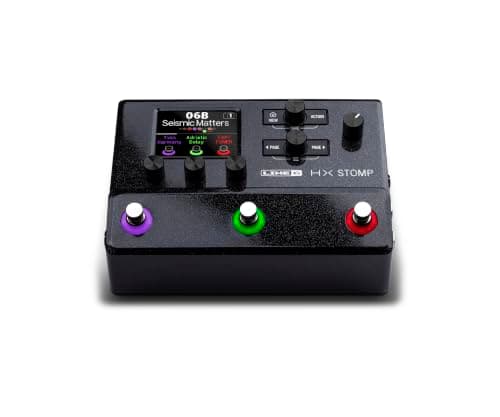 Line 6 HX Stomp 24-bit/96 kHz multi-channel USB audio, over 300 models and IR loading, with no speaker at all. | The interface route, done properly | $599.99 · Check price #ad How we’re funded · price as of October 21, 2026 |
| 03 | 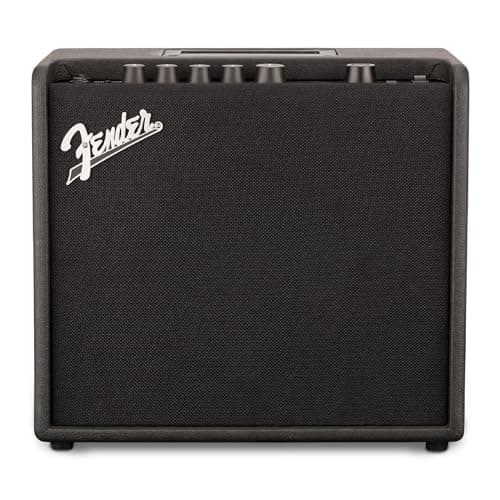 Fender Mustang LT25 25 W with USB audio for recording, and 30 editable presets on a color display. | The cheapest route that covers both | $179.99 · Check price #ad How we’re funded · price as of October 21, 2026 |
| ! | No photo Fender Champion 20 A good-sounding 20 W practice amp with no USB, no XLR and no way into a computer. Skip this one — see why below | Not this, if recording is anywhere in your plans |
Rows link to the full write-up further down this page. Prices come from the live price layer only — where there is no live figure the button reads “Check price” rather than showing a remembered number.
03The failure mode nobody mentions
A practice amp gets played, and an interface setup frequently does not. Not because it sounds worse — a modelled tone through decent headphones is generally better than a 20 W combo with an 8-inch speaker — but because the amount of work between wanting to play and playing decides how often you play.
An amp is one switch. The interface route is a computer, a session, a driver, a plugin and a buffer size. That difference does not show up in any specification, and it is the single biggest factor in which one is still being used in six months.
Positive Grid Spark 40
Wanting both, in one box
The number2 x 4" drivers, 33 amp models, 43 effects, 5.2 kg.
This is the honest answer to the question for most people, because it refuses the premise. Positive Grid publishes a USB recording interface alongside the amp, plus Bluetooth audio, an eighth-inch aux in and a headphone output — so it is a speaker in the room when you want one, and a way into a DAW when you do not.
33 amp models and 43 effects covering noise gate, compressor, distortion, modulation, EQ, delay and reverb is a wide enough palette that you are not shopping for pedals on day one.
The cons are the speakers and the routing. Two 4-inch drivers cannot move air the way a 12-inch can — this is a desk and sofa amp, not a rehearsal-room one. There is no effects loop and no external speaker output, so it does not grow with you. Our Spark 40 review covers what those two missing jacks cost you in full.
| Power | 40 W class D |
|---|---|
| Speakers | 2 x 4" custom designed |
| Amp models | 33 |
| Effects | 43 — noise gate, compressor, distortion, modulation/EQ, delay, reverb |
| Connectivity | 1/4" guitar input, 1/8" aux in, 1/8" headphone, Bluetooth audio, USB recording interface |
| Size / weight | 350 x 180 x 190 mm, 5.2 kg |
| What it does not do | No effects loop and no external speaker output. The 4" drivers cannot move air the way a 12" can — this is a desk and sofa amp, not a rehearsal-room one. |
Specs from Positive Grid Spark 40 product page. We have not used this unit.
Line 6 HX Stomp
The interface route, done properly
The numberUp to six simultaneous blocks; 9 V DC center-negative at 3 A.
If the plan is headphones and a computer, this is the version of that plan that also works on a stage. Line 6 publishes 24-bit/96 kHz multi-channel USB audio, over 300 amps, cabs and effects from the Helix family, IR loading, stereo I/O and an effects loop.
The distinction that matters against a plain audio interface is that the sound is made in the box. A bare interface passes a clean signal to your computer and leaves the amp modeling to software you also have to buy, configure and keep running. This does it in hardware, silently, with three footswitches.
The cons: it asks for 3 A at 9 V, which no standard pedalboard brick supplies — see powering an HX Stomp. And it makes no sound in the room at all. Without headphones or monitors you have nothing. Our HX Stomp review covers the unit's own limits in detail.
| Simultaneous blocks | Up to six simultaneously |
|---|---|
| Models | Over 300 amps, cabs and effects from the Helix family, with IR loading |
| Power | 9 V DC center-negative, DC-3 supply (3 A) included |
| Display / switches | 2.4" color LCD; three capacitive-touch footswitches with LED rings |
| Audio interface | 24-bit / 96 kHz multi-channel USB audio |
| Format | Compact pedalboard unit with stereo I/O and an effects loop |
| What it does not do | It asks for 3 A at 9 V. No standard isolated pedalboard brick output supplies that, so it needs its own supply — this is the mistake people make when they add one to an existing board. |
Specs from Line 6 HX Stomp owner's manual. We have not used this unit.
#ad How we’re funded · price as of October 21, 2026
Fender Mustang LT25
The cheapest route that covers both
USB audio for recording, on a 25 W combo at the bottom of the price range, is the specification that makes this relevant here. It is an amp in the room, and it is a way to get a recorded signal into a computer, and it does not require you to choose in advance.
30 user-editable presets with a color display and front-panel or USB editing is more control than a practice amp at this level usually gives you.
The cons are more or less stated by Fender's own materials. No effects loop, no Bluetooth, and the 8-inch onboard speaker is the weak link — the modeling is better than the box it comes in, which is an argument for using the headphone output most of the time.
| Power | 25 W, solid state |
|---|---|
| Speaker | 8" |
| Presets | 30 user-editable presets with a color display |
| Models | Amp models and effects editable from the front panel or over USB |
| Connectivity | USB audio for recording, headphone out, aux in |
| What it does not do | No effects loop and no Bluetooth. The onboard speaker is the weak link — the modeling is better than the box it comes in, which is an argument for headphones. |
Specs from Fender Mustang LT25 product page. We have not used this unit.
#ad How we’re funded · price as of October 21, 2026
Fender Champion 20
Not this, if recording is anywhere in your plans
We are not picking this one for this question, and it is a perfectly good amp — it appears on our practice amp page for the job it does do.
It has a headphone out, an aux in, built-in reverb, delay, chorus, vibratone and tremolo, and a voice selector. What it does not have is USB recording, an XLR output or an effects loop. Fender publishes all of that.
That makes it a pure practice amp, and if you are certain you will never want to record, it is a legitimate choice. If there is any chance you will, the LT25 above adds USB audio for a small step up and removes a future purchase. Best practice amps covers the category on its own terms.
| Power | 20 W, solid state |
|---|---|
| Speaker | 8" Fender Special Design |
| Voices | Amp voice selector with a set of Fender and modern voicings |
| Effects | Built-in reverb, delay, chorus, vibratone, tremolo |
| Outputs | Headphone out, auxiliary in |
| What it does not do | No effects loop, no USB recording, no XLR. The 8" speaker is the ceiling on how big this can ever sound. |
Specs from Fender Champion 20 product page. We have not used this unit.
04If you take the interface route, budget for headphones
The headphones are not an accessory here, they are the speaker. Every criticism of modelled tone that begins with a complaint about fizziness is at least as likely to be about what it is being heard through as about the model.
That is a real cost and it belongs in the comparison. An amp includes its own speaker; the interface route does not, and the total is what you should be comparing rather than the box prices.
05What about pedals
A practice amp gives your pedals somewhere to go and a clean channel to sit in front of. The interface route mostly makes them redundant, because the modeling already contains a drive section, a delay and a reverb.
If you already own pedals, that is a real argument for the amp. If you do not, the interface route saves you from buying them. Pedals vs multi-effects is the page for that decision, and best pedal platform amps covers what a pedal-friendly amp needs.
Frequently asked questions
+ Do I need an amp if I have an audio interface?
+ Can I record from a practice amp?
+ Which is cheaper?
+ What is the best of both?
Sources
Related on Fret & Fuzz
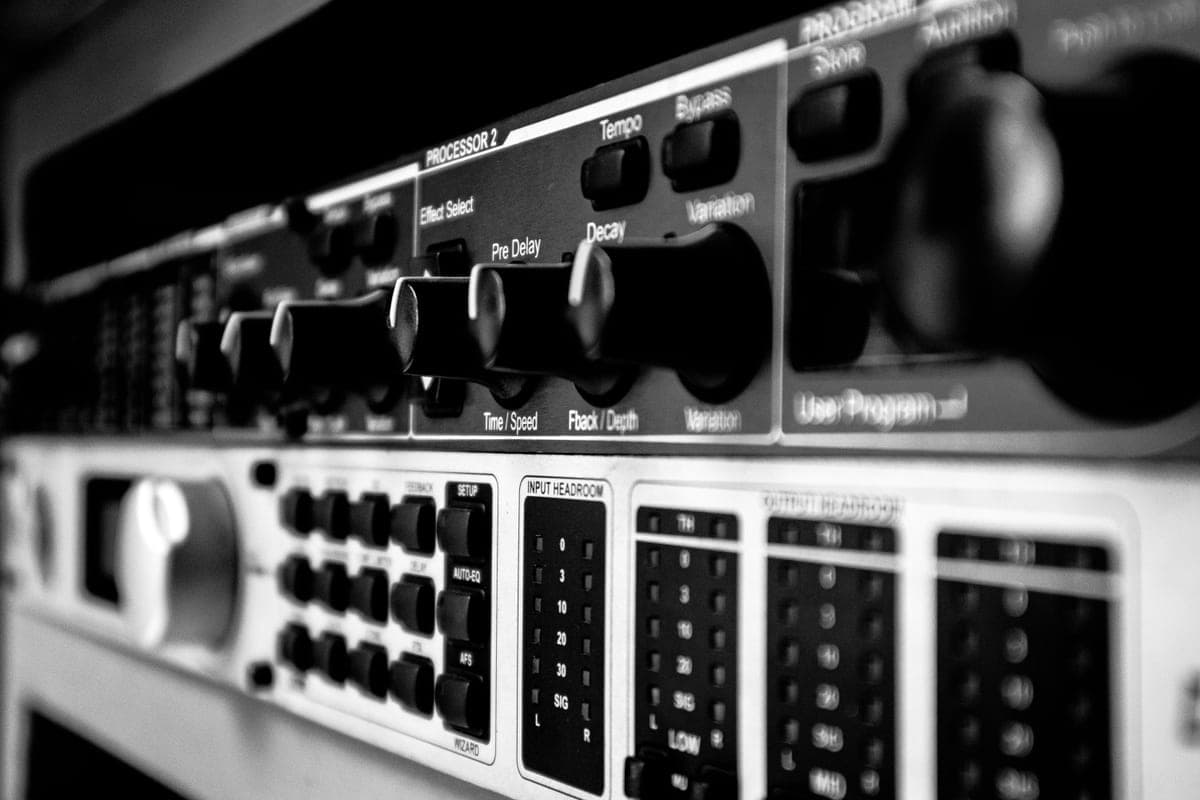
Line 6 HX Stomp review
Six simultaneous blocks and a 3 A supply requirement. Both are published, and both decide the purchase before tone does.
Top pick: Line 6 HX Stomp
#ad How we’re funded · price as of October 21, 2026
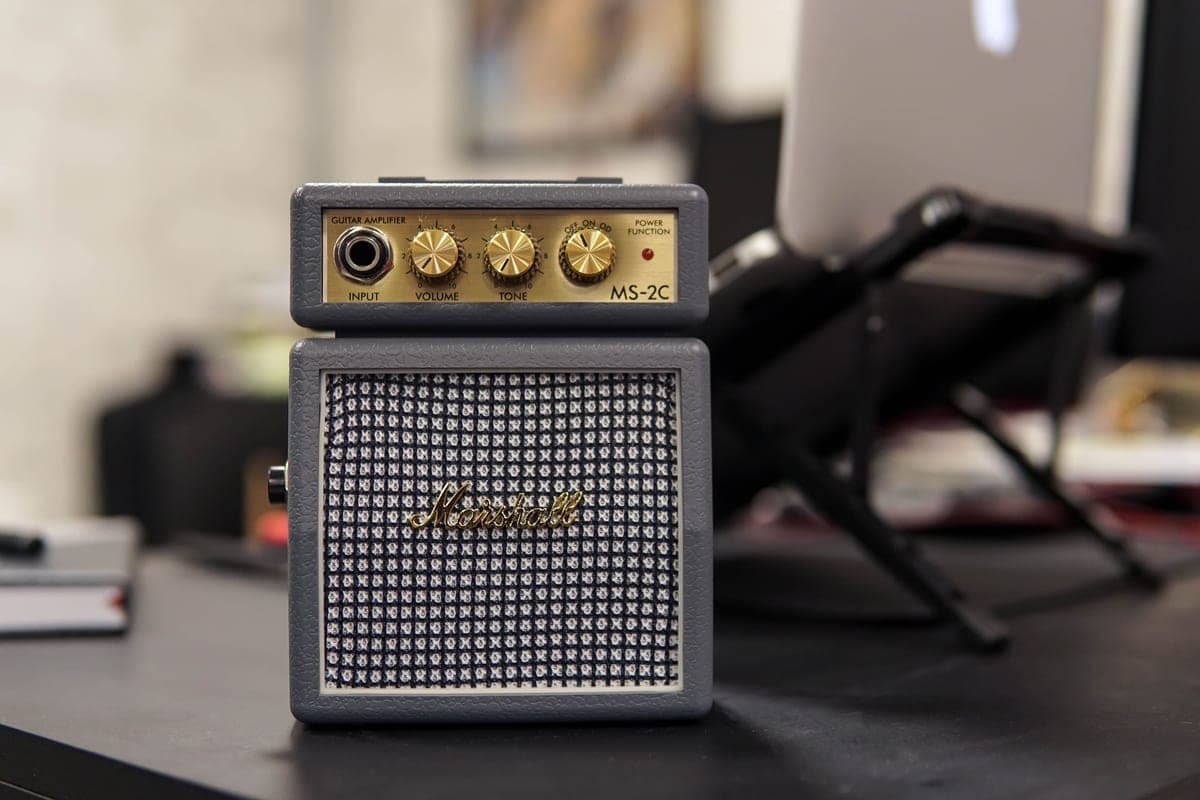
Best practice amps
Speaker size sets the ceiling and the headphone output decides the rest. Four practice amps on published specs.
Best Practice Amp pick: Positive Grid Spark 40
Best guitar amps
Wattage, speaker, tubes and power reduction — the four published figures that decide an amp, with five amps compared on them.
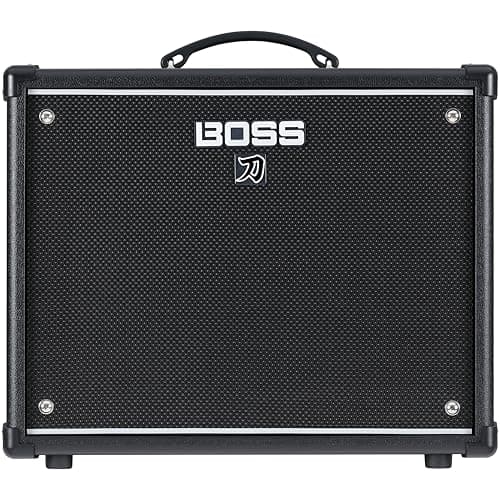
Best Amp Overall pick: BOSS KATANA-50 GEN 3
Pedals vs multi-effects
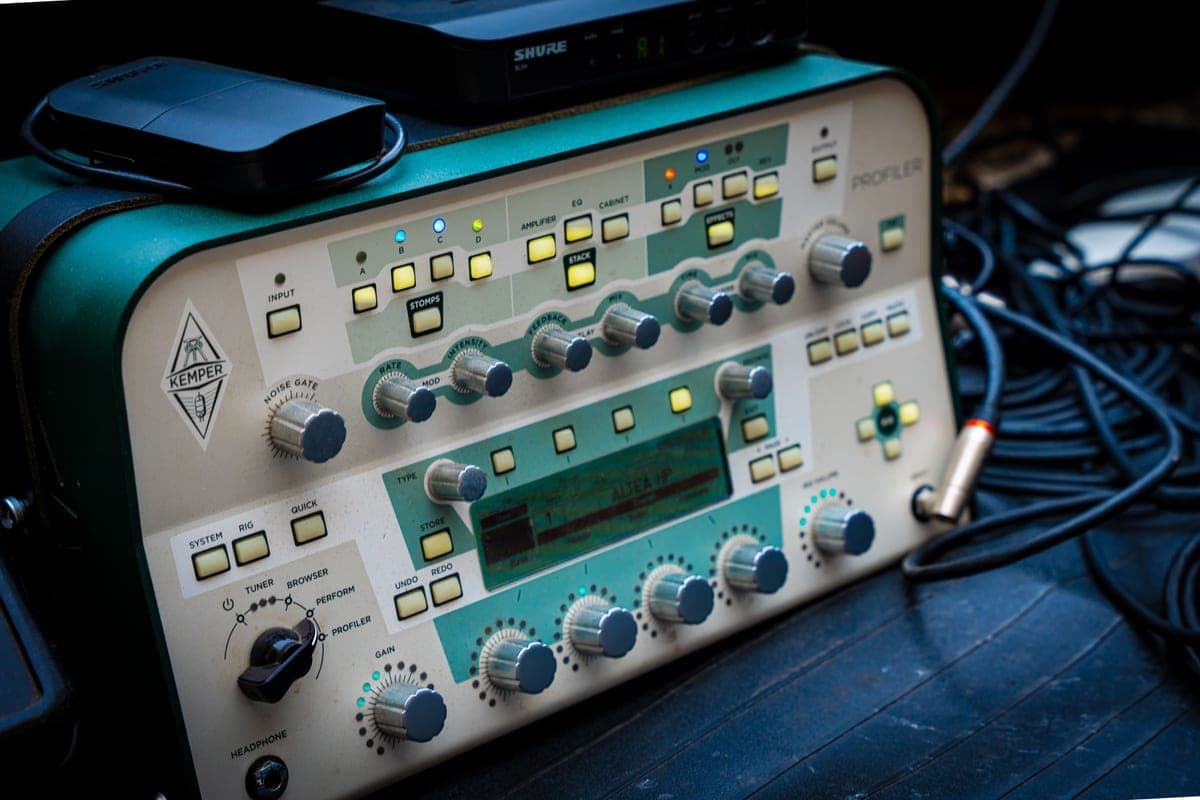
Power, interface and failure mode decide this, not tone. Including the 3 A requirement no pedalboard brick can meet.
Top pick: Line 6 HX Stomp
#ad How we’re funded · price as of October 21, 2026
Best multi-effects pedals
Block count, routing freedom and current draw decide this. Four current units compared, plus the one BOSS has discontinued.
Best Multi-Effects pick: Line 6 HX Stomp
#ad How we’re funded · price as of October 21, 2026
Tube vs solid state amps
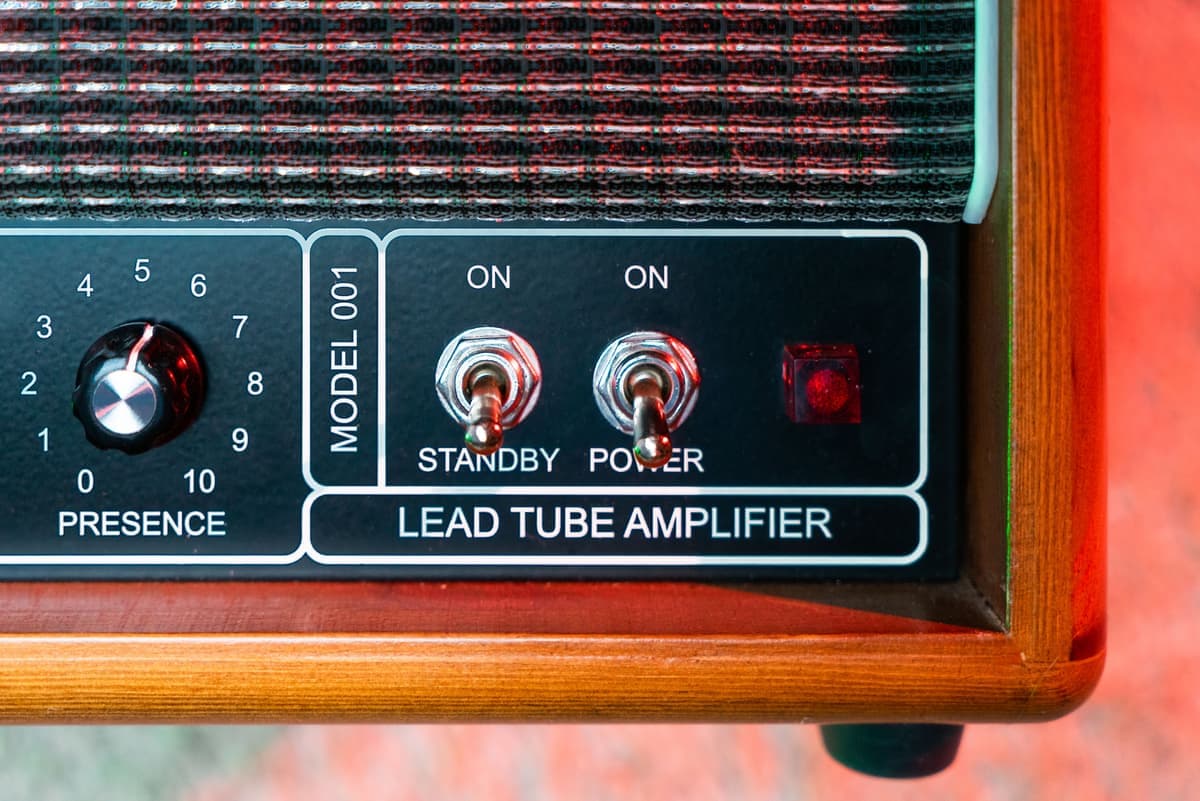
Reframed as a question about where the distortion happens, this argument has a clear answer for any given player.
Top pick: BOSS KATANA-50 GEN 3